Creating my portfolio website in a virtual environment
Developing my technical writing portfolio in a virtual environment helped me focus, learn, and detach from my everyday Windows environment.
I’ve experimented with Linux for decades. I played around with Red Hat Linux in the early 2000s at my first tech writing job. I tried to understand OpenSUSE on my HP 2140 Netbook back in 2009 (I installed Ubuntu instead pretty quickly). I even gave a presentation about VMs back in 2010. So when I decided to rebuild my website, I knew I wanted to develop it in a Linux desktop virtual environment on a virtual machine (VM). Why?
- I love Windows and always have, but I had concerns about trying to configure my bread-and-butter machine to work with things I wasn’t yet comfortable with. This compartmentalization let me break things and start over without interrupting my day-to-day.
- Free! From the VMWare Workstation host to the operating system, the only thing it cost was some time and disk space (and it changed the way I work).
- It allowed me to configure, test, and run static site generators (SSGs) like Hugo and Eleventy in the environments they’ll eventually run.
- Not Apple. The only Apple product I’ve ever owned was an iPad 3 and I hated every minute of it.
- It’s fast, and the environment is incredibly customizable.
- It’s a pretty easy transition from Windows to Linux with a GUI. Most apps you’re familiar with just have a different name and a different UI.
- For the development and writing tasks of my project, it just worked.
- Press
Pauseon the VM and you’re done.
How to start using a VM
When I said some time, that wasn’t entirely accurate. There’s a learning curve to working with Linux. You need to install and configure development tools and frameworks by command line interface (CLI), like NodeJS, or an SSG. This isn’t really anything you’d do differently with any other operating system, but there are often Windows or Mac apps that will do the heavy lifting for you.
Once you get over that curve, you spend your time using cross-platform apps and technologies like VS Code, GitHub, and OpenOffice.
You do have to make some decisions, and test them, but some are actually fun:
- Choosing a virtual machine (VM) host — I was surprised to learn VMWare Workstation was much quicker than VirtualBox, which I used for years.
- Trying out “flavors” of Linux if you have the time and inclination. I tried distributions (distros) like Fedora and Ubuntu; due to my familiarity with Ubuntu and self-imposed deadlines, it won.
- Then there are desktop environments like GNOME and Kubuntu. For me, the Ubuntu-based Mint Cinnamon just worked. I bought a laptop and installed Mint on it, which was incredibly painless to install and configure.
- Each VM and distro I tested were straightforward in terms of setup and had lots of handholding, as well as pretty good documentation.
And then one day…
One day I opened my VM to find it no longer had internet connectivity. My host (Windows) computer had access, other VMs I was testing had connectivity, so something happened to my working version. An hour or so searching and the answer was… well, I’m not sure. It’s possible that it broke from an update, but I lost time trying to find the right magic commands. because it wasn’t something easily done through the GUI.
The good news is that if you do this in a VM, it’s far easier to recover without affecting your daily machine. I just started over with a new virtual machine. My code was in GitHub, so it made it much quicker to recover and keep working after I reinstalled, and had the added benefit of cleaning up my earlier mistakes.
My new daily driver
Fast-forward a year and Kubuntu is now my daily OS. Once you get over the learning curve, you’ll find Linux desktops are much more customizable than Windows.
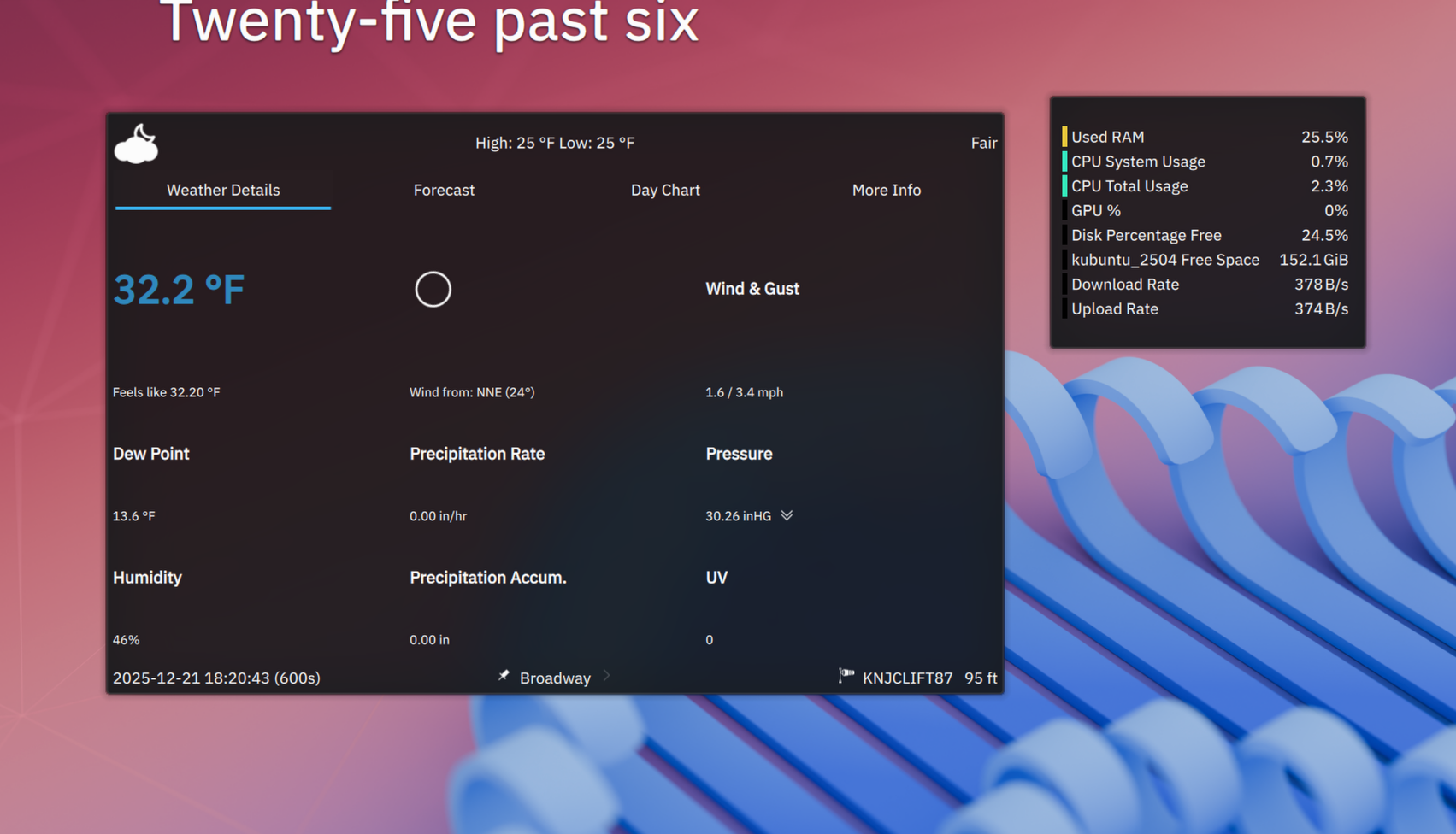
I only boot into Windows to play motorsport games with a sim-racing rig. Everything else — including my favorite city-building game — runs great in Linux. I’ve even created my own Linux-based homelab.
It worked for me
Working in a virtual environment provided a teaching moment, separated work from daily life, and eventually led to a complete change in how I use my computer daily. I don’t always love the learning curve, but I have zero regrets in choosing to build my site this way.